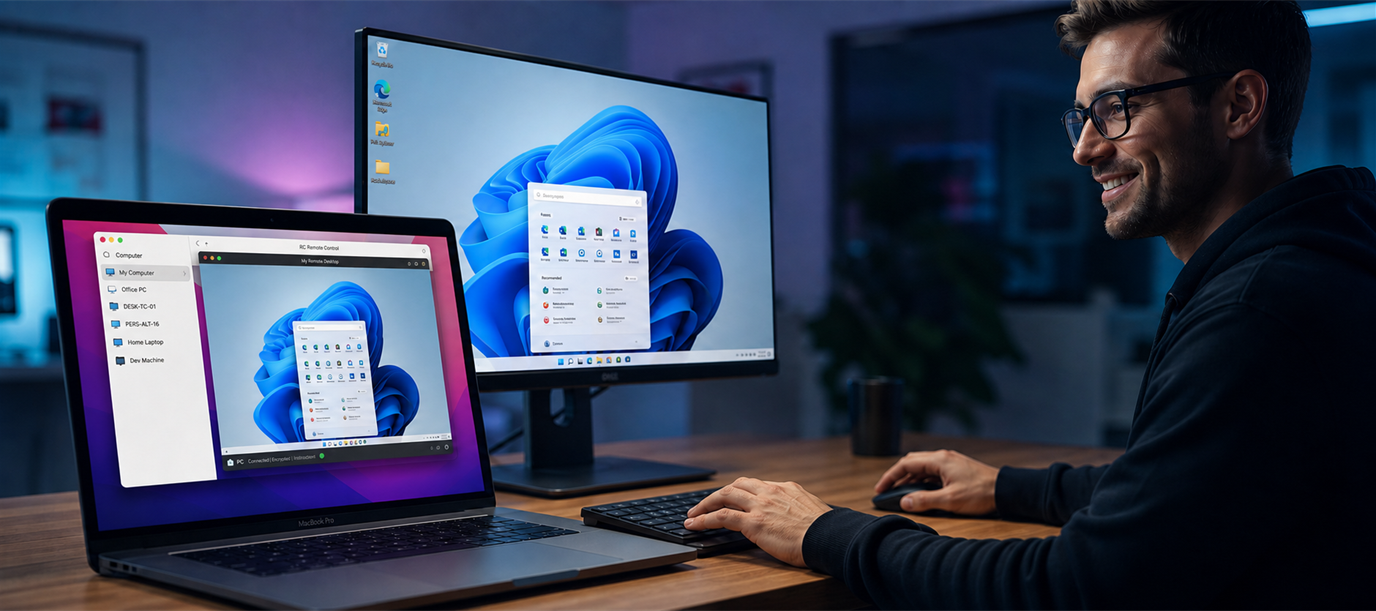
Secure Windows remote support

Be there, from anywhere.

Farweo puts unattended Windows PCs within reach—with responsive screen control, UAC access, file transfer, audio, and clipboard sync in one focused support tool.

Windows x64 Self-contained .NET 8 Service-mode UAC control
Service Host runs under Windows service control for elevated support scenarios.
WebRTC Screen, input, audio, files, and clipboard use encrypted channels.
UAC Secure desktop prompts remain visible and controllable after install.
Portable Farweo Console runs without installation on the technician PC.

Install once, connect when support is needed.

Farweo Host Setup requests administrator access, installs the background service, and shows the credentials needed by the technician.

Current release: v1.0.99
Step 01

Run Setup.exe on the host

The installer requests administrator approval, copies the host service files, and applies the required Windows service configuration.

Step 02

Keep the generated credentials

Setup displays the Host ID and password after registration. Share them only with the person who should connect.

Step 03

Connect from Farweo Console

Enter the Host ID and password from the viewer. Remote control, file transfer, audio, and clipboard channels start over WebRTC.

A focused viewer for real support work.

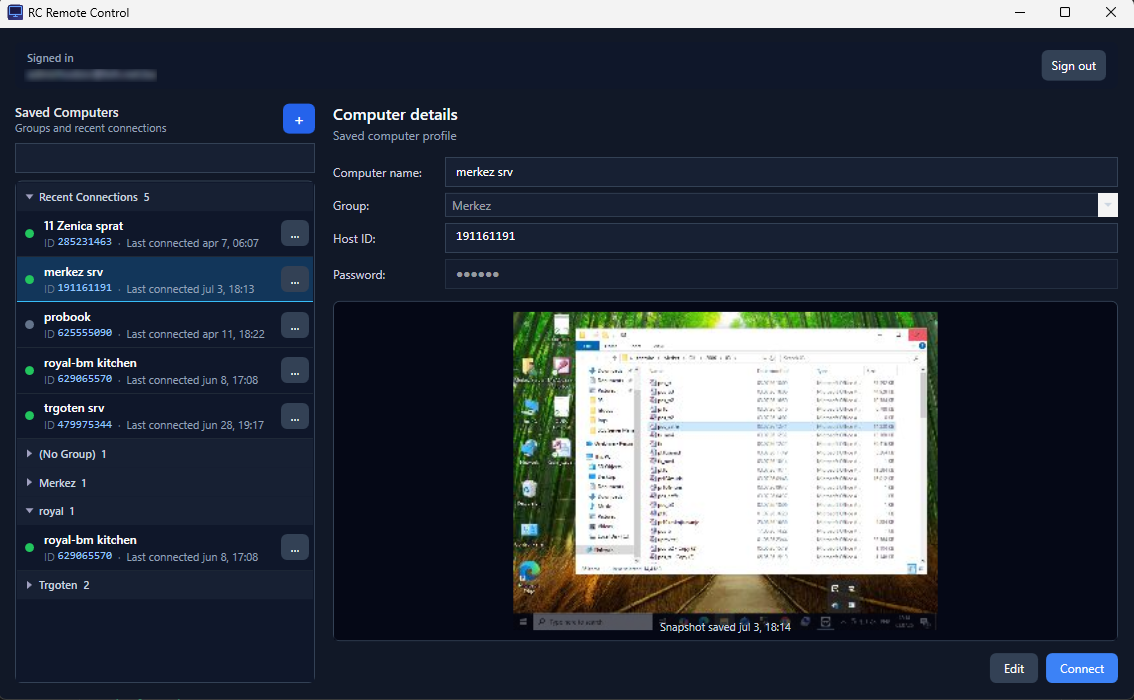
Saved computers, group organization, snapshots, and connection controls stay in one compact screen so repeated support sessions are quick to start.

  • Save frequent hosts with friendly names and groups.
  • Use screen snapshots to confirm the target before connecting.
  • Open file transfer, clipboard, audio, and input controls during the session.
Farweo Console showing saved computers and connection details

Everything needed for remote Windows support.

Farweo keeps the complete support workflow in one place, from deliberate host installation to everyday technician access.

UAC screen control

Service-mode capture and input support secure desktop prompts during software installs.

WebRTC transport

TURN-assisted connectivity with encrypted channels for screen, input, files, and audio.

File transfer

Browse, send, receive, and track transfer progress over a dedicated data channel.

Clipboard sync

Text, rich content, images, and clipboard files move between host and viewer.

Admin console

Account-bound device lists, online status, enrollment commands, and recent audit history.

Security model built around explicit access.

The host is installed deliberately, credentials are generated during setup, and sessions authenticate before remote control channels are opened.

Authentication

Passwords are stored as strong hashes and sessions authenticate with a challenge-response flow before connection setup continues.

  • Argon2id password hashing for stored secrets.
  • HMAC challenge-response for session authentication.
  • Host ID and password are generated during setup.

Deployment path

Setup.exe is the only public host download, so support machines follow the same installation and service registration path.

  • Administrator approval is required to install the host service.
  • The Farweo Host service is installed under Program Files.
  • The service starts automatically after install.

Pricing

Free users can start remote support sessions with a 5-minute session limit. Choose monthly billing or save with the yearly plan to unlock full-length premium sessions.

Monthly

Flexible access for ongoing remote Windows support.

$5 / month
Buy monthly

Yearly

Annual billing for teams that want a lower yearly total.

$50 / year
Buy yearly

Downloads

Install Farweo Host on the remote PC, then run Farweo Console on the technician PC.

Farweo Host

Setup.exe · remote PC installer

Use this on the machine that will be controlled. It installs Farweo Host as a Windows service for unattended access and secure-desktop control.

Windows x64 Version 1.0.99 Requires admin
Use on the remote PC Installs the service host and shows the Host ID and password after setup.
Download Setup.exe

Farweo Console

RC.Client.exe · portable viewer

Use this on the technician or viewer machine. Connect to any registered host with the Host ID and password from setup.

Windows x64 Version 1.0.99 No install required
Use on the viewer PC Free sessions are limited to 5 minutes. Sign in with a premium account for full-length sessions.
Download Farweo Console
UAC prompt control requires the installed service path from Setup.exe. A normal user-mode host cannot click into Windows secure desktop screens.